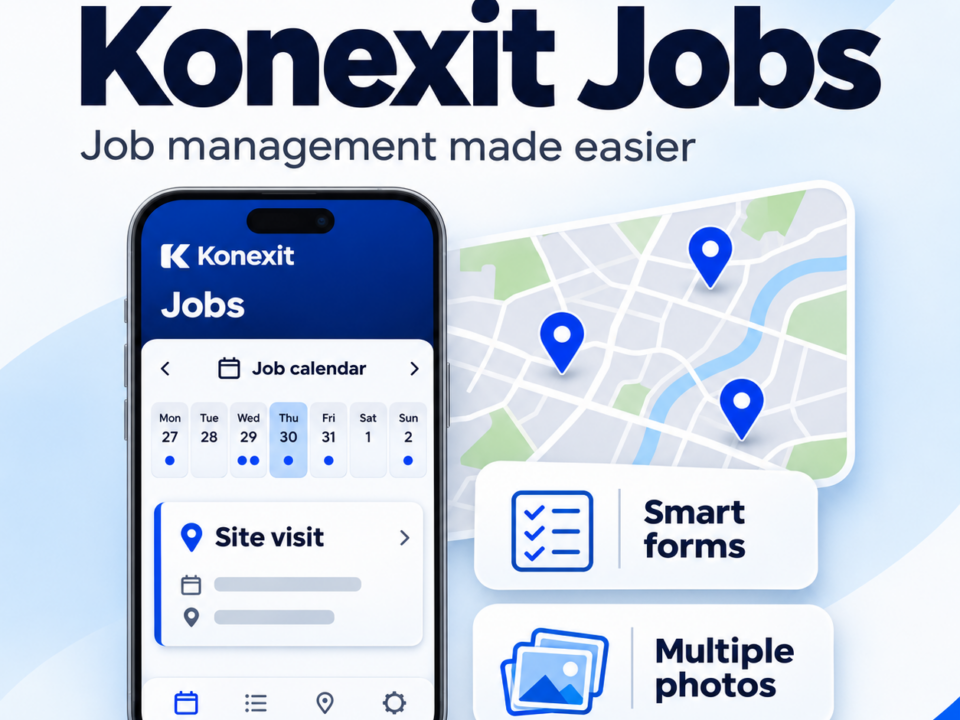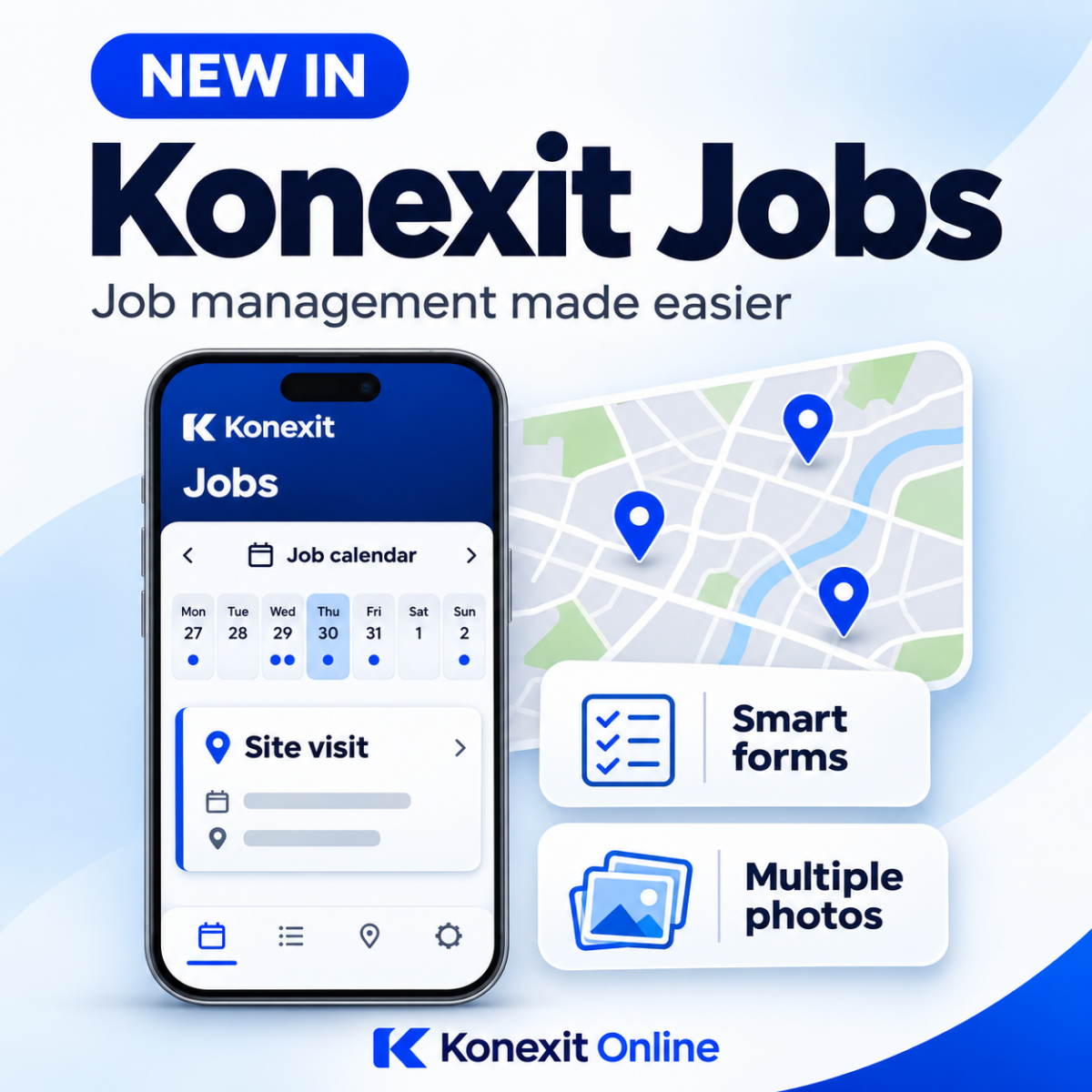

What’s New in Konexit Jobs | Job Management Updates
November 4, 2026
Introducing Kit - Your AI agent
Your data.Your questions.Just ask Kit.
A major step forward for Konexit Online.
Meet Kit, your smart assistant for form submissions and job data. Get answers, create reports, import jobs and turn paper forms into apps, simply by asking.
How many failed deliveries have we had this month?
Example request. Illustration of the feature.
Less searching. More answers.
The information you need, in seconds.
Your team captures valuable information every day. Kit gives you a simpler way to use it. Ask questions in everyday language and let Kit do the work, without trawling through individual forms and job submissions.
Whether you want to understand failed deliveries, total the mileage claimed by your team or get a quick overview of submitted data, start with a question.
More than questions and answers
Meet your new helping hand.
Kit helps with the everyday work around your data, from producing reports to getting information into Konexit.
Make sense of your submissions
Ask Kit about your form and job data and get a summary in seconds. Spend less time opening records and more time using the information your team has collected.
Try asking Kit Summarise our failed deliveries this month
PDF and Excel reports, on request
Turn your questions into reports you can use and share. Ask Kit to generate a PDF summary or an Excel report from your submission data.
Try asking Kit Create a PDF summary of this months failed deliverie
Let Kit handle the heavy lifting
Make importing jobs easier by asking Kit to help bring your information into Konexit. Kit takes on the hard work of preparing data for import, reducing the manual effort involved.
Try asking Kit Help me import the jobs in this file into Konexit
From a paper form to an app
Upload your current paper form and ask Kit to transform it into an app-based version. It is a practical starting point for replacing paperwork with digital forms your team can complete on site.
Try asking Kit Turn this paper inspection form into an app-based form
Start with what you need
Ask. Refine. Put it to work.
Ask a question about your submissions, request a report or upload a file you want help with.
Use follow-up requests to refine the summary, report or task to suit what you need.
Review the result, check the details and put your report, import or digital form to work.